
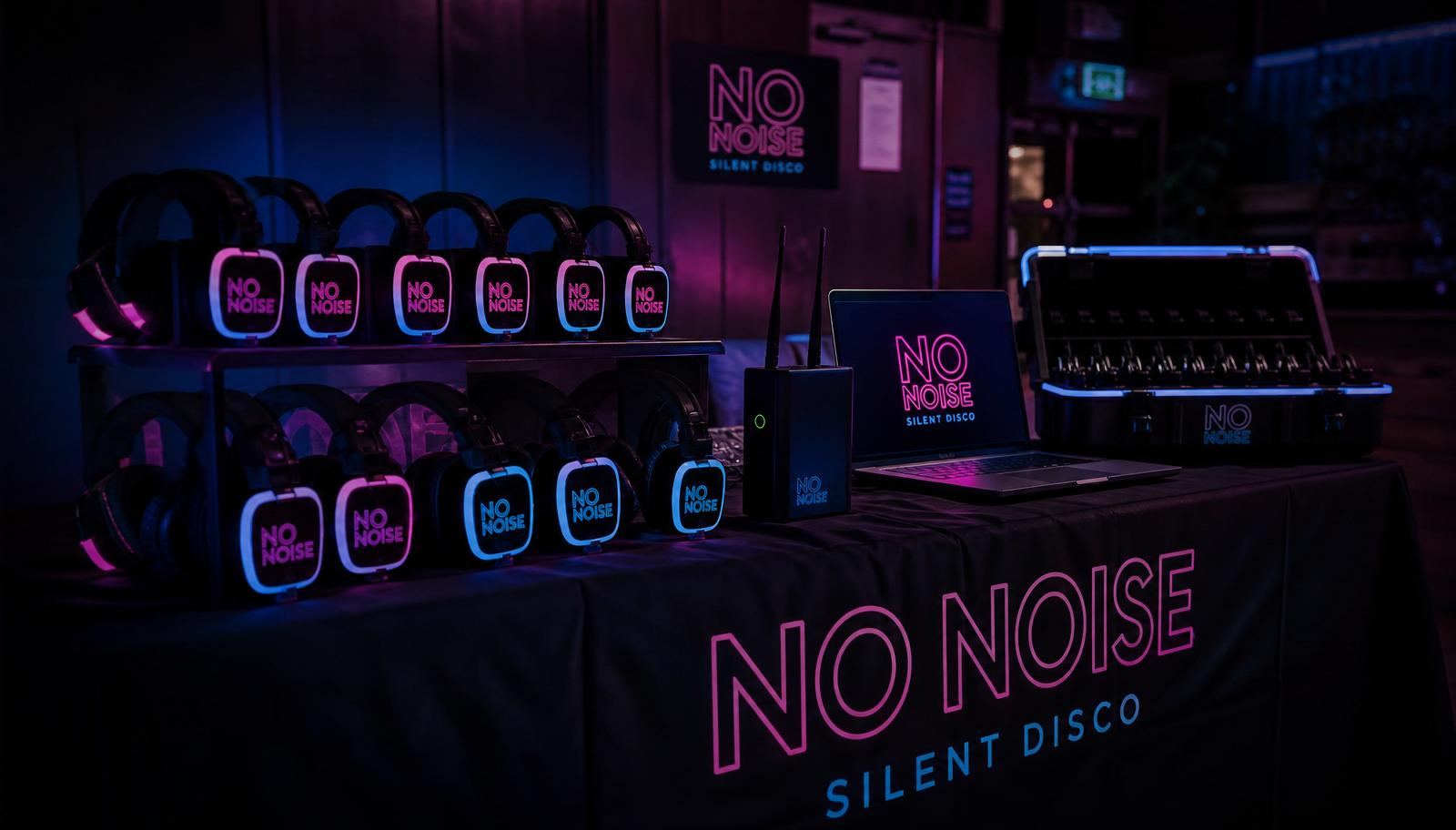
If you've never hired silent disco kit before, it can sound technical. It really isn't. There are only two pieces of equipment that matter — the headphones your guests wear, and the transmitter that beams the music to them. Everything else is cables and charging. Here's the whole process in plain English.
What's in the box
- LED headphones. Wireless, rechargeable and colour-coded. The glowing ring changes colour to show which music channel the wearer is listening to.
- Transmitters. Small boxes with aerials. Each one broadcasts a single music channel out to every headphone in range. Three channels means three transmitters.
- Audio cables. Usually a 3.5mm headphone-style jack (the same plug as wired earphones) or a red-and-white RCA pair for DJ mixers.
- Charging cases. Flight-style cases that charge every headphone at once and double as safe storage.
- Spares. We always include extra headphones and cables so a single fault never stops the dancing.
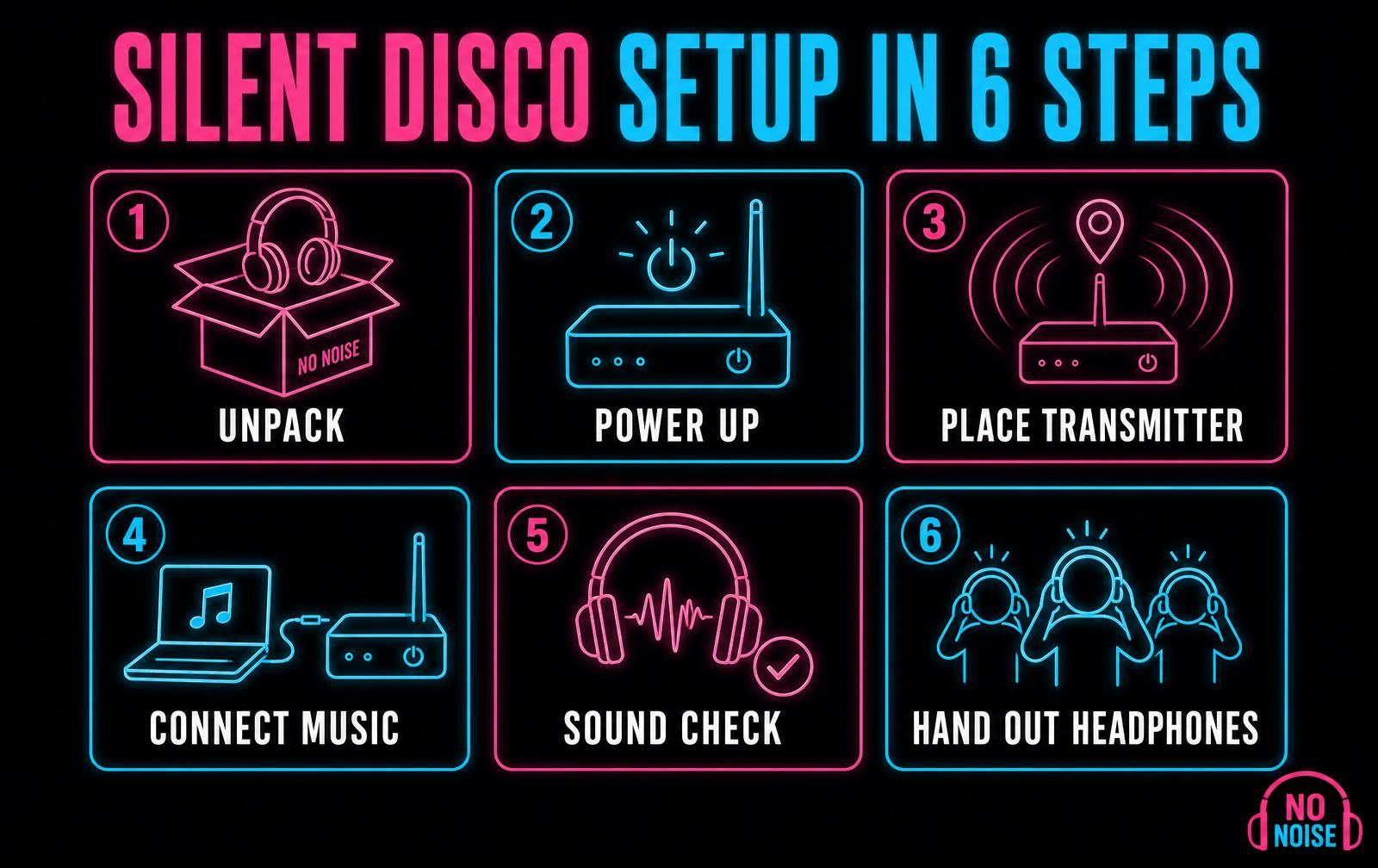
Step 1: Find your base
Pick a table near a mains socket, ideally at the edge of the room where guests can reach it but it won't be knocked. This becomes your headphone station: kit goes out from here at the start and comes back here at the end. A trestle table with a cloth over it is perfect.
Step 2: Power up the transmitters
Plug each transmitter into the mains and switch it on. A small light confirms it's live. They sip electricity — a single standard socket with an extension lead will run the whole setup, including the charging cases.
Outdoors or in a marquee? You'll need a weatherproof power supply or a quiet generator. Keep transmitters under cover and off the ground, and tape down any cable that crosses a walkway.
Step 3: Position the transmitters properly
This is the one step that genuinely affects how good the night sounds. The signal travels through the air like radio, so give it a clear run at the crowd:
- High is better than low — a shelf, stage edge or the top of a speaker stand beats the floor.
- Central to the dancefloor, not tucked in a back corner.
- Away from thick stone walls, metal beams, scaffolding and catering trolleys.
- Aerials pointing straight up, not folded flat.
Get this right and one transmitter comfortably covers a village hall, barn or large garden. Get it wrong and guests at the far end will hear crackling.
Step 4: Connect your music
Each channel needs its own music source. That could be a phone with a playlist, a laptop, a tablet or a DJ's mixer. Plug the cable into the headphone socket of the device and the other end into the transmitter's input.
Set the device volume to roughly three-quarters. Too low and guests will max out their headphones and still find it quiet; too high and the sound distorts. If you're using a phone, switch it to aeroplane mode or do not disturb — nobody wants a group chat notification blaring across channel two.
Step 5: Sound check every channel
Grab one headphone, put it on and cycle through the channels. You should hear a different track on each, at a similar volume. Walk to the far corner of the room while it's playing — if it stays clear there, it'll stay clear when the room is full.
Do your sound check before guests arrive, and again with a few people in the room. Bodies absorb signal, so a full dancefloor behaves slightly differently to an empty one.
Step 6: Hand out the headphones
Give each guest a charged headphone and a ten-second briefing. That's all it takes:
- Hold the power button for a couple of seconds to switch on.
- Press the channel button to flick between the music channels — the LED colour tells you which one you're on.
- Use the wheel on the ear cup to set your own volume.
Guests work the rest out within a song. Learn more about what guests can expect if it's your crowd's first silent disco.
Timings: how long does setup take?
- Small party (up to 50 headphones): around 20 minutes.
- Wedding or big event (100+ headphones): 30–45 minutes, mostly spent laying out and counting kit.
- Pack-down: 20–30 minutes, including collecting headphones back in.
Compared with a traditional DJ rig — speakers, stands, lighting trusses and cable runs — it's a fraction of the work, and there's nothing heavy to lift.
Charging and battery life
Our headphones run for well over a full night on one charge, and we deliver them fully charged. For events running across two days, put them back in the charging cases overnight — a few hours on charge brings them right back up.
Packing down at the end
- Switch every headphone off as it comes back — it saves battery and makes counting easier.
- Return them to the charging case slots rather than piling them in a box.
- Unplug and coil the cables loosely; tight coils damage them over time.
- Count everything against your hire sheet before we collect.
Announcing "headphones back to the table before you leave" a couple of songs before the end saves a lot of hunting later.
Would you rather not do any of this?
Every No Noise hire in Devon comes with a choice. Self-hire includes delivery, a printed setup card and phone support throughout your event. Or add an on-site operator and we'll set everything up, run the channels, hand out and collect the headphones, and pack it all away while you enjoy the party. Check availability or get in touch and we'll talk it through.